How Salesforce Field Service Streamlines On-Site Operations

How Salesforce Field Service Streamlines On-Site  Operations

How Salesforce Field Service Streamlines On-Site Operations

In today’s hyper-connected world, customers expect quick, efficient, and transparent services.
Especially when it comes to essential utilities like fiber internet and telephone connections.
But how does a telecom provider manage thousands of customer service requests, technician
schedules, equipment inventory, and real-time updates, all while keeping customer satisfaction
high?
Enter Salesforce Field Service – a powerful platform that transforms how companies manage
their field operations.
In this blog, we’ll walk through a real-world telecom use cases to show how Salesforce Field
Service brings order, speed, and intelligence to the chaos of field operations without getting
overly technical.

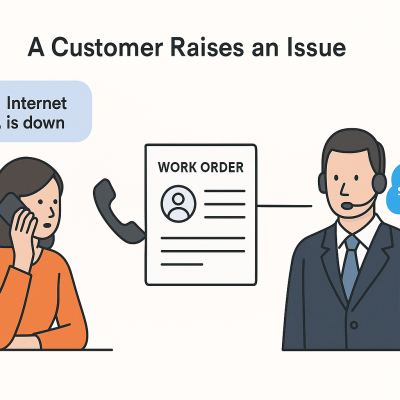
Use Case 1: A Customer Raises an Issue

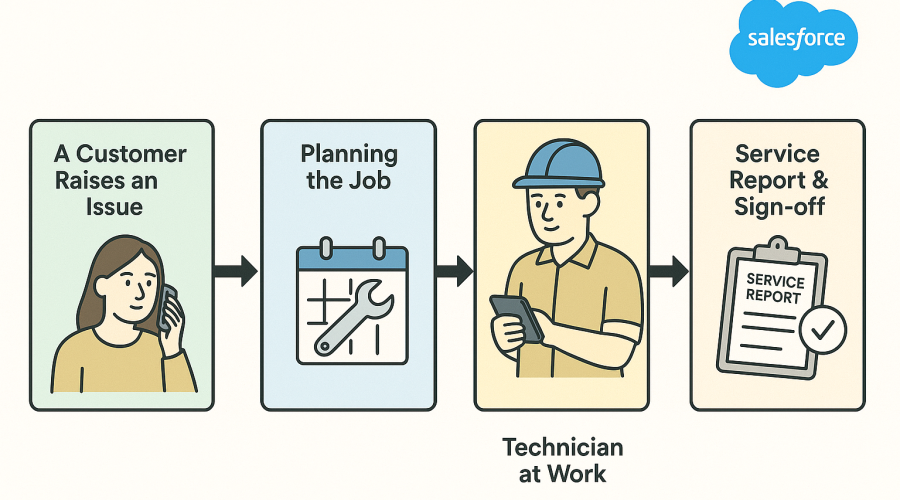
Step 1: A Customer Raises a Service Request 

A customer’s(Sarah’s) internet is down. They call the telecom provider’s support center, Or Use
official website to raise a service request.

  • A Case is logged in Salesforce. This tracks the issue and is tied to the customer’s account
    and location.
  • The support team decides if this issue requires a field technician.
Objects Involved

Step 2: Generating a Work Order

A Work Order is generated from the Case. Think of it like a digital job sheet that says, “Fix
John’s internet connection.”

  • It includes details about the issue.
  • It may also have Work Order Line Items (e.g., check fiber line, inspect router).
  • Technicians receive alerts on their mobile devices for new jobs or changes.
Objects Involved

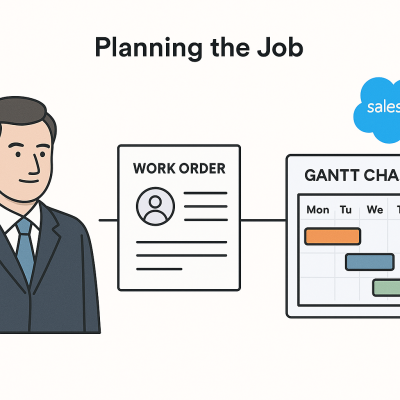
Use Case 2: Planning the Job

Step 3: Planning the Job

Sarah’s issue involves checking the fiber optic cable and possibly replacing the router.

  • These are logged as Work Order Line Items (WOLIs)
    “Check fiber connection” and “Replace router if needed.”
  • Mobile users can see their full day’s schedule, optimized with travel time.
  • Dispatchers can reschedule or reassign work in real-time, and technicians are
    notified via the app.
Objects Involved

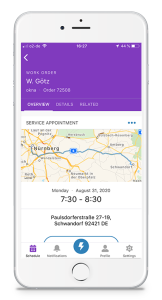
Step 4: Scheduling a Technician

Now it’s time to schedule a field technician.

  • Salesforce Service Appointments to plan visits.
  • Salesforce intelligently looks at:
    • Technician availability (Service Resource)
    • Technician location and skills
    • The customer’s address and preferred time

A Service Appointment is created and assigned to John, a certified technician nearby.

Objects Involved

Use Case 3: Dispatch and Optimization

Step 5: Route Optimization & Geolocation

John’s daily route is optimized using Salesforce’s scheduling policies and territories.

  • He belongs to a Service Territory – North City.
  • His calendar is tracked with Operating Hours and Resource Absences.
  • The system ensures jobs are assigned efficiently, reducing driving time.
Objects Involved

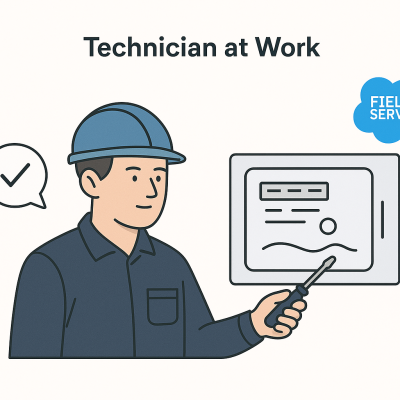
Use Case 4: Technician at Work

Step 6: Skills, Tools, and Inventory

John arrives and checks the fiber connection. He realizes the router is faulty and needs to be replaced.

  • He was assigned this job because she has the required skill: Home Internet Installations.
  • Technicians follow step-by-step job processes directly in the app (via Flows or custom screens).
  • He uses a new router from his Product Inventory (a ProductItem).
  • After replacing it, she logs the item as Product Consumed.
  • If his running low, she creates a Product Request to restock his van from the warehouse.
  • Job details are preloaded so technicians can access them even in areas with no
    network.
  • Capture Photos & Notes via mobile to document site conditions, issues, or
    completed work. 
Objects Involved

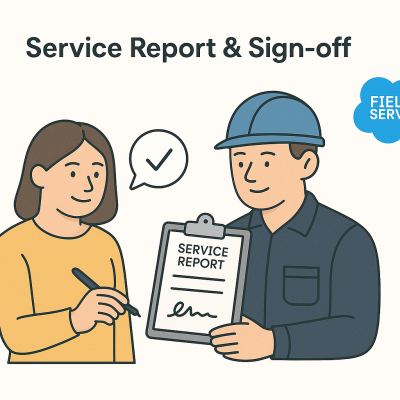
Step 7: Service Report & Sign-off

Before leaving, John generates a Service Report – a branded PDF summarizing what was done.

  • Sarah signs it digitally on his mobile app.
  • Service reports are generated and can be emailed immediately from the app.
  • Techs can log hours and costs associated with the job for billing.
Objects Involved

Use Case 5: Preventive Maintenance & Future Planning

Use Case 5: Preventive Maintenance & Future Planning

For large customers (like apartment buildings), the provider uses Maintenance Plans.

  • These plans automatically schedule recurring Work Orders.
  • This ensures equipment is checked and serviced regularly, before problems happen.
Objects Involved

Bonus: Inventory and Skills Matching Behind the Scenes

To make sure the right technician gets the right job, Salesforce considers:

  • Skills: Only those certified in fiber installations are scheduled for complex work.
  • Location & Inventory: Technicians are assigned based on their proximity and the
    equipment they carry.
  • Time Off: If a technician is on leave, they’re automatically excluded from scheduling.
Objects Involved

Final Thoughts

Salesforce Field Service empowers telecom providers to deliver faster, smarter, and more
efficient service – whether it’s fixing a downed internet connection or performing preventive
maintenance on an entire neighborhood.

By automating scheduling, optimizing routes, and giving technicians real-time tools, companies
can spend less time juggling logistics and more time delighting their customers.

Leave a Reply

Your email address will not be published. Required fields are marked *